Installation
Requirements
- PHP 8.2 or newer
- Laravel 12 or 13
- Filament 4 or 5
- A panel that uses a session guard (the default
webguard is fine)
1. Require the package
composer require packstub/filament-account-switcher
php artisan packstub-account-switcher:install
The install command publishes the config file and the two migrations (linked_accounts, account_switches) and offers to run them. You can run the pieces yourself instead:
php artisan vendor:publish --tag="packstub-account-switcher-config"
php artisan vendor:publish --tag="packstub-account-switcher-migrations"
php artisan migrate
Note
The migrations reference your user model's table through config('auth.providers.users.model'). If your panel authenticates a different model, set user_model in the config file before migrating — see Configuration.
2. Prepare the user model
Add the HasLinkedAccounts trait. It adds the linkedAccounts() relationship and the linkAccount() / unlinkAccount() / isLinkedTo() helpers used by the "Switch to" menu and the Linked accounts page.
use Filament\Models\Contracts\FilamentUser;
use Filament\Panel;
use Illuminate\Foundation\Auth\User as Authenticatable;
use Packstub\AccountSwitcher\Concerns\HasLinkedAccounts;

class User extends Authenticatable implements FilamentUser
{
    use HasLinkedAccounts;

    public function canAccessPanel(Panel $panel): bool
    {
        return true;
    }

    /**
     * Who may impersonate other users. Optional; without it any panel
     * user can impersonate — add this method in production.
     */
    public function canImpersonate(User $target): bool
    {
        return $this->is_admin;
    }

    /**
     * Who may be impersonated. Optional.
     */
    public function canBeImpersonated(User $by): bool
    {
        return ! $this->is_admin;
    }
}
Implementing FilamentUser matters: the plugin only lets you switch to a linked account that can access at least one of your panels, and lands you on that panel after the switch.
3. Register the plugin
use Packstub\AccountSwitcher\AccountSwitcherPlugin;

public function panel(Panel $panel): Panel
{
    return $panel
        // ...
        ->plugin(
            AccountSwitcherPlugin::make()
                ->developerLogins(['admin@example.com', 'user@example.com']),
        );
}
Impersonation and linked accounts are on by default; developer logins are opt-in. Every feature can be toggled — see Configuration.
Register the plugin on every panel where you want the switcher. Each panel gets its own routes (filament.{panel}.account-switcher.*), its own render hooks, and its own settings.
4. Add the impersonate action
In your user resource:
use Packstub\AccountSwitcher\Filament\Actions\ImpersonateAction;

public static function table(Table $table): Table
{
    return $table
        ->recordActions([
            ImpersonateAction::make(),
        ]);
}
On a view or edit page:
protected function getHeaderActions(): array
{
    return [
        ImpersonateAction::make()->record($this->getRecord()),
    ];
}
The action is hidden for records the current user may not impersonate.
5. Try it
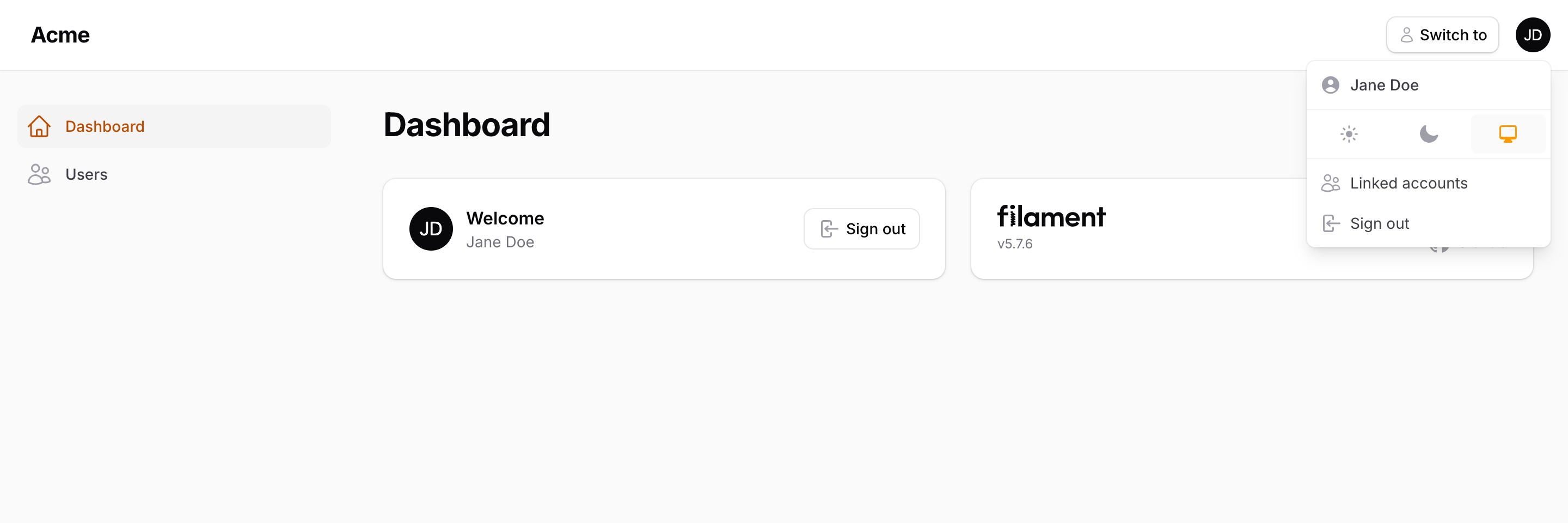
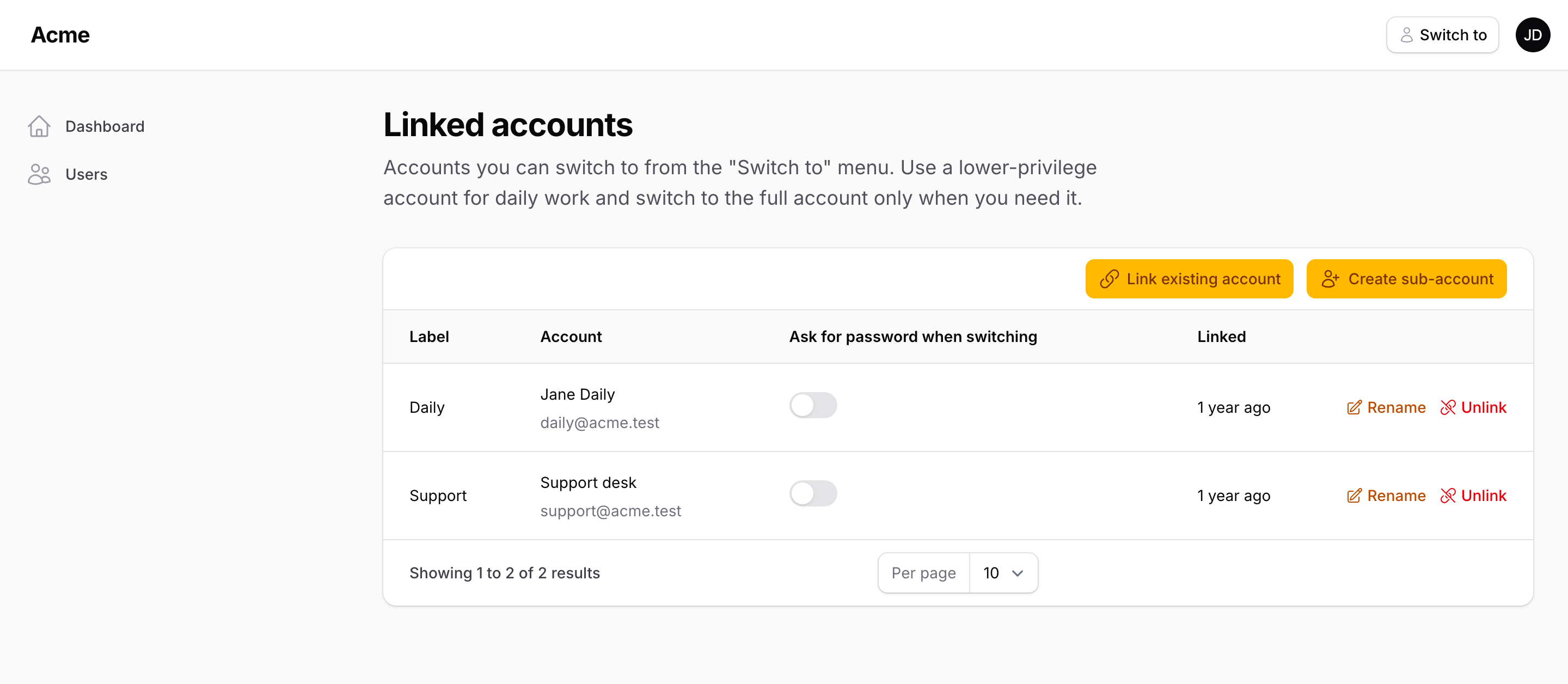
- Sign in, open the user menu and choose Linked accounts.
- Create sub-account — give it a name, e-mail and password. It is linked to your account immediately.
- Assign the sub-account fewer permissions (with your roles package of choice).
- Use the Switch to button next to the user menu to move between the two. Switching to the sub-account is one click; switching back to the full account asks for its password.
Continue with Linked accounts.