Building forms
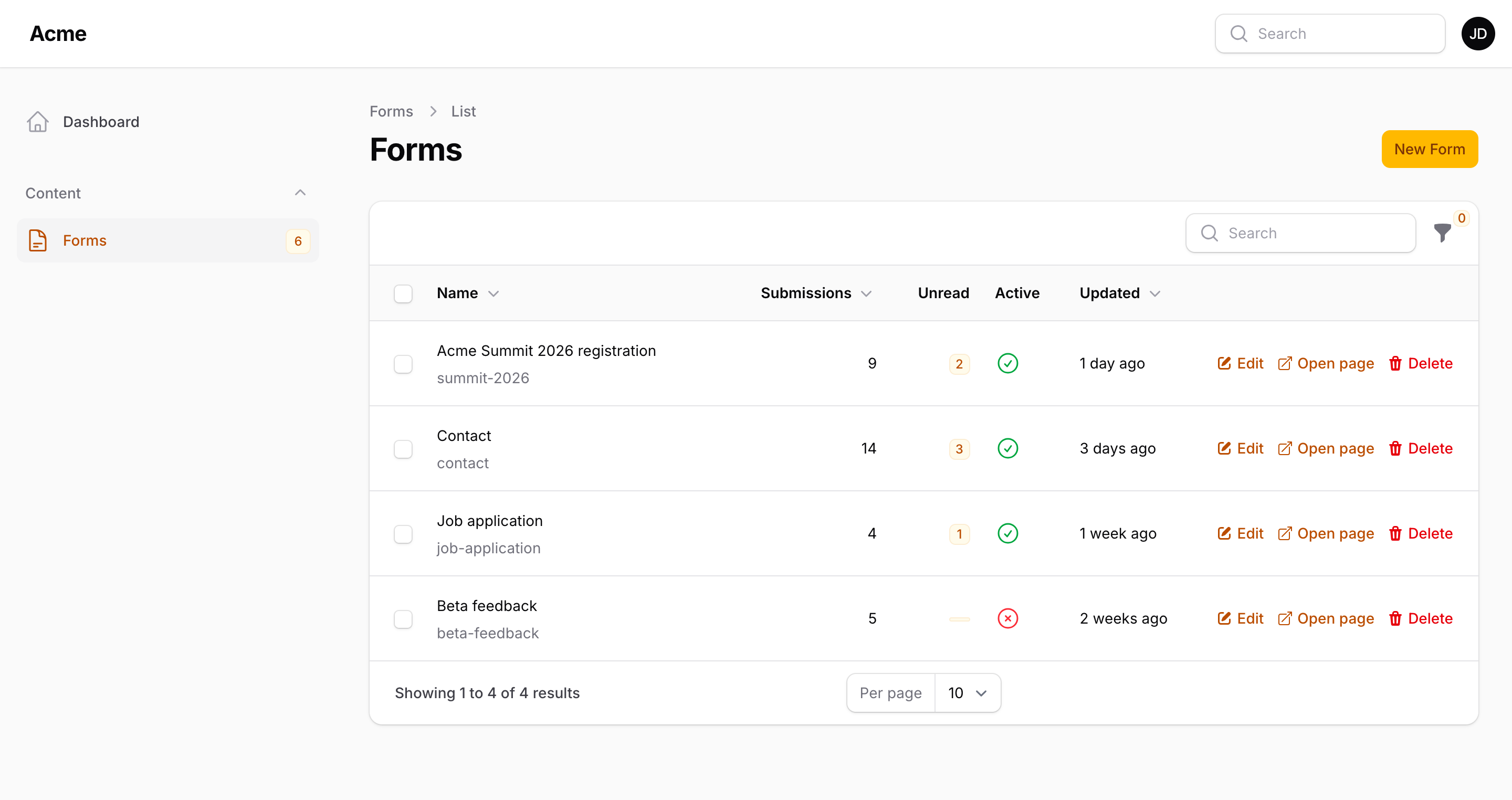
Open Forms, create one, and add fields from the block picker on the Fields tab. Blocks can be reordered, collapsed, cloned, hidden and deleted. Preview in the header shows the form as the visitor sees it, from the unsaved state, and takes a test submission without storing it. Start from a template with Use a template on the list, or bring a JSON export with Import JSON.
Field types
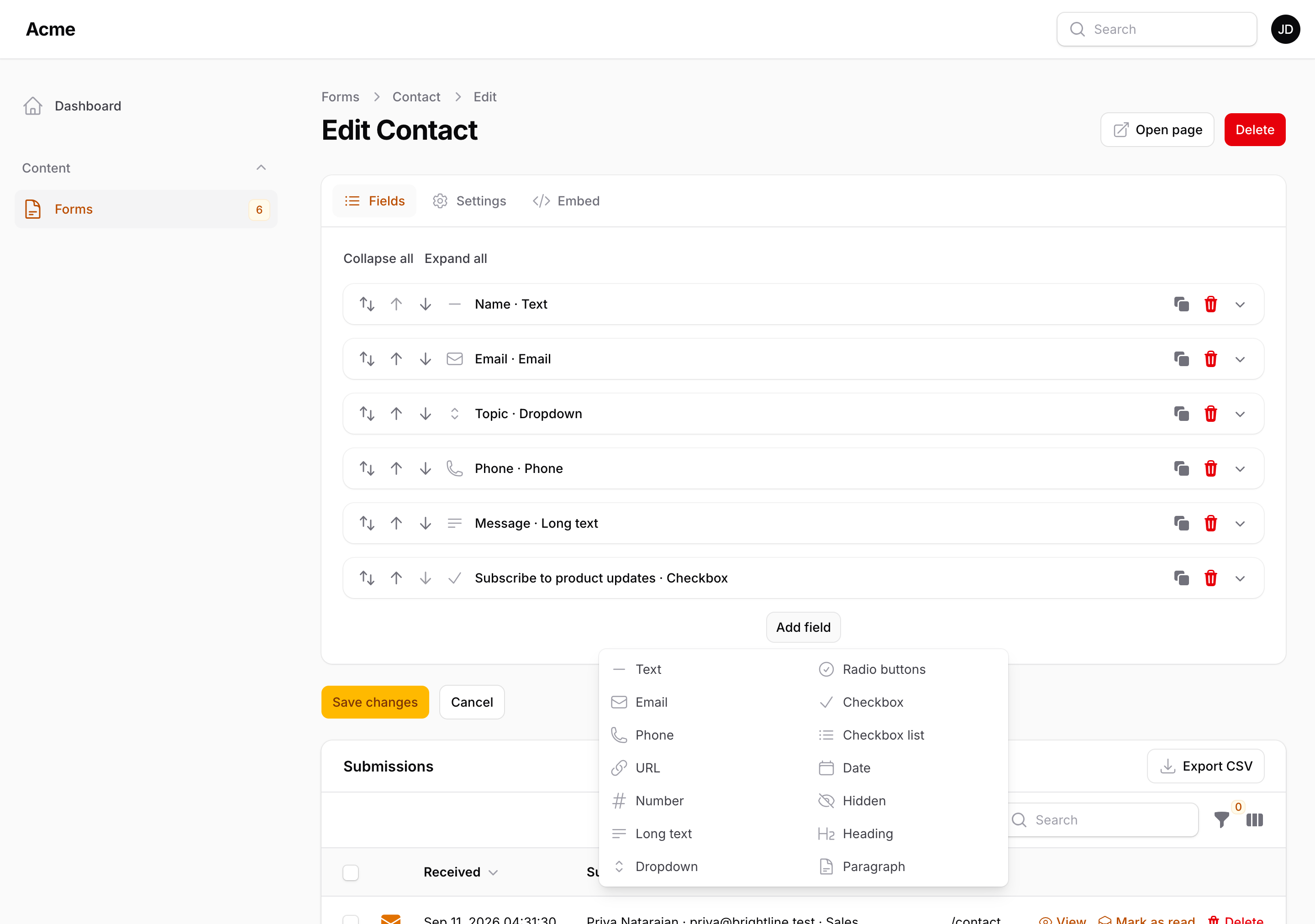
| Type | Value | Own settings |
|---|---|---|
| Text | string | Minimum and maximum length |
| lowercased string | Length; validated as an email | |
| Phone | string | — |
| URL | string | Validated as a URL |
| Number | int or float | Minimum, maximum, step |
| Amount | float | Prefix, suffix, decimals, minimum, maximum |
| Long text | string | Rows, maximum length |
| Rich text | HTML (safe tags only) | Rows; a rich editor in the Livewire renderer, a text area elsewhere |
| Dropdown | one choice | Choices (value → label) |
| Multi-select | list of choices | Choices |
| Radio buttons | one choice | Choices, in up to four columns |
| Toggle buttons | one choice | Choices, shown as a row of buttons |
| Checkbox | true / false | Required means it must be ticked |
| Toggle | true / false | A switch; same value as a checkbox |
| Checkbox list | list of choices | Choices, in up to four columns |
| Tags | list of strings | Maximum number; comma-separated in the plain renderer |
| Rating | 1 to N | The scale (1 to 10); stars in the panel with packstub/filament-rating |
| Date | Y-m-d |
Earliest and latest date |
| Date and time | Y-m-d H:i:s |
Earliest and latest date |
| Time | H:i |
— |
| File upload | list of stored paths | Several files, maximum count, accepted types, maximum size |
| Colour | #rrggbb |
— |
| Country | ISO 3166-1 alpha-2 code | A list of codes to offer (empty: every country) |
| Address | {line1, line2, city, region, postal_code, country} |
The parts to show, the parts a required address needs, the countries to offer |
| Consent | true / false | Link text and URL shown after the label |
| Hidden | string | Value |
| Heading | — | Level (H2–H4) |
| Paragraph | — | Text |
| Divider | — | An optional text on the rule |
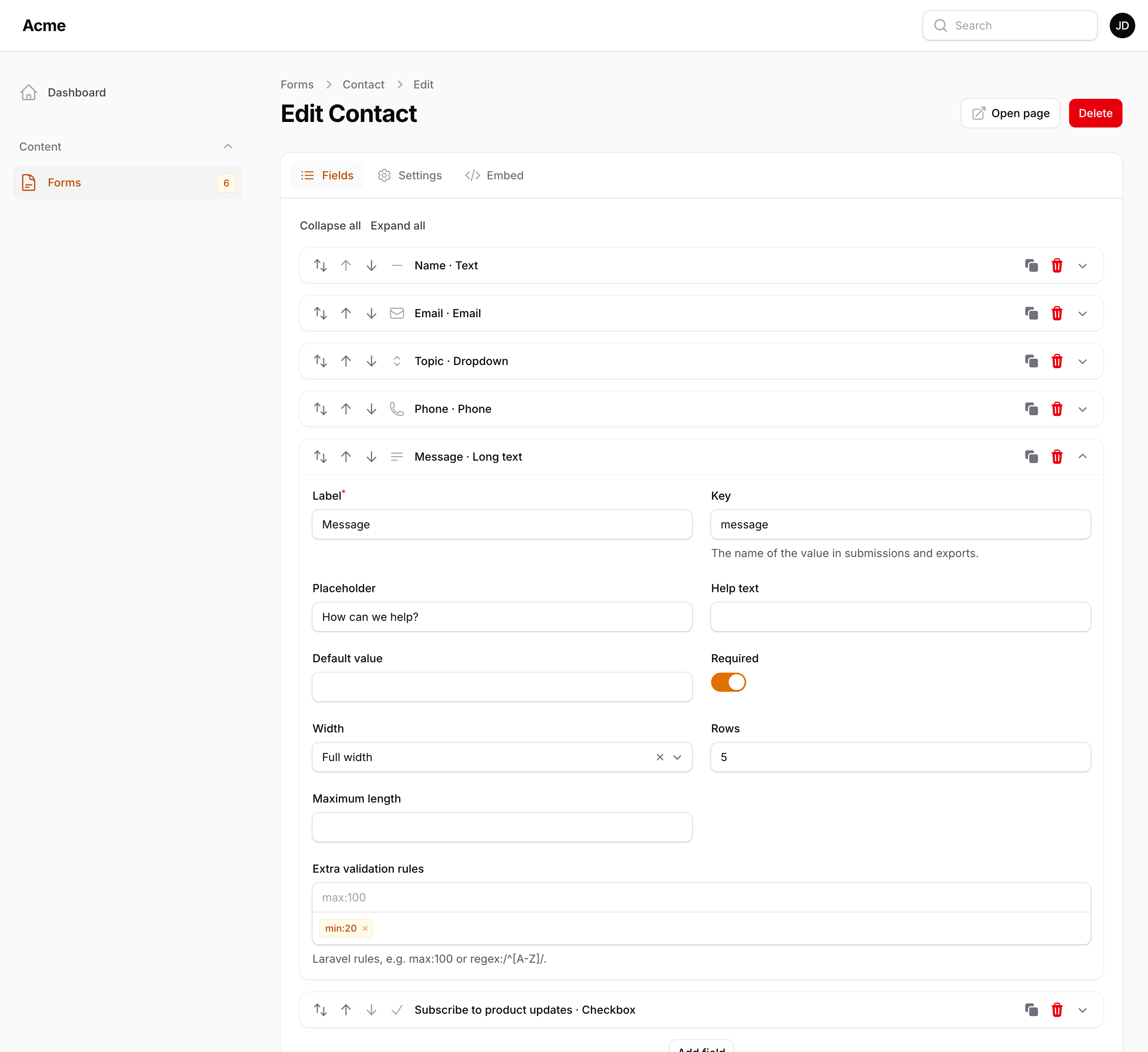
Every input field also has a label, a key (derived from the label; the name of the value in submissions, exports and the JSON API), a placeholder, help text, a default value, a required flag and a width: full, three quarters, two thirds, half, one third or one quarter of the row (a twelve-column grid that collapses on small screens).
Hidden keeps a field in the design without showing or validating it; old values still appear in exports and columns.
Address asks for a street (two lines), city, state or region, postal code and country in plain inputs with the browser's address autocomplete, and stores them as one object. The table and the emails show it on one line; the CSV and Excel exports give each part its own column.
Keys must be unique within a form; the builder refuses duplicates and the model suffixes a missing one.
With packstub/filament-rating
Rating is stars on the site in every renderer: the Blade one draws them itself, without JavaScript. In the panel and the Livewire renderer it is a row of numbered buttons, until you install packstub/filament-rating:
composer require packstub/filament-rating
Nothing to configure; the plugin detects it. Then:
- the Livewire renderer and the preview show the package's star input (click or keyboard, clearable when the field is optional);
- the field's column in the submissions table shows stars, sorts by the score, and has the average and the count per score under it, for the filtered rows;
- a filter offers "4 stars & up" and so on;
- the submission details show stars with the score.
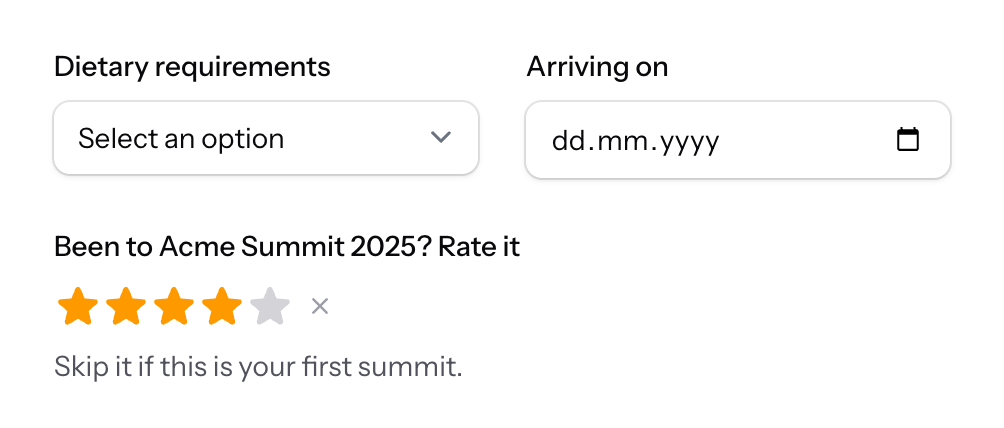
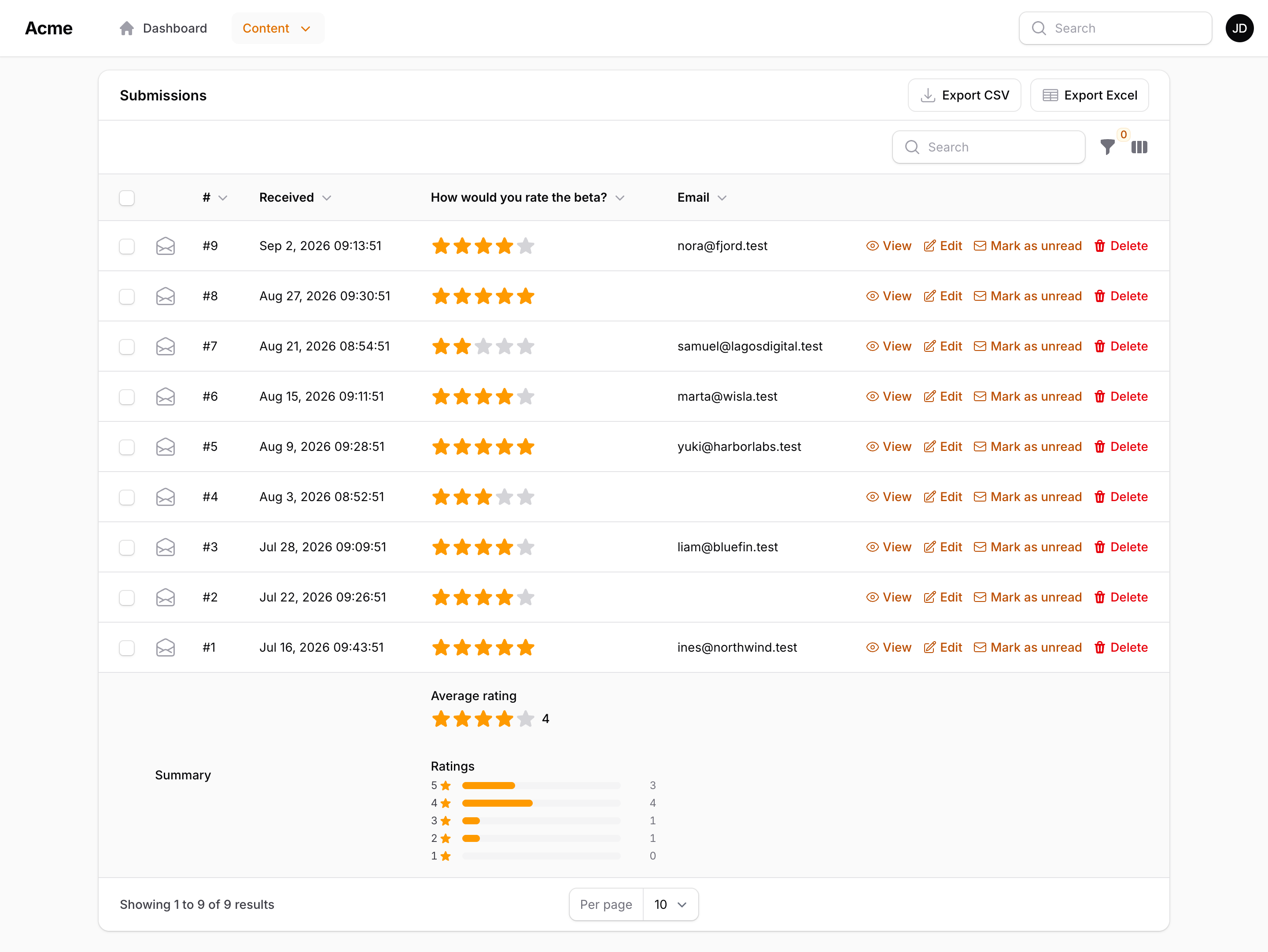
The stored value is the same whole number either way, so installing or removing the package changes only how ratings look: existing forms, submissions, exports and emails ("4 / 5") stay as they are. On the site, the package's stylesheet and script come with the rest of Filament's assets (php artisan filament:assets publishes them).
Choices from your data
A dropdown, multi-select, radio, toggle buttons or checkbox list can take its choices from your own data instead of a typed list. Register a source in a service provider and pick it under Options on the field:
use App\Models\Course;
use Packstub\FormBuilder\Facades\FormBuilder;

FormBuilder::choices('courses', fn () => Course::query()->orderBy('name')->pluck('name', 'id'), 'Courses');
A source is a closure (it receives the Field), a value => label array, or a class implementing Packstub\FormBuilder\Contracts\ChoiceSource (also accepted in config choice_sources). It runs when the form renders and again on submit, so validation uses the live list, and inside the current tenant, so tenant-scoped queries just work. The key is stored; tables, emails and exports show the label, and the key once the record is gone.
Validation
Three layers, all optional, in the Validation section under the field's settings (collapsed until a rule is set; the header counts the rules):
- Validation — rules picked from a list that fits the type: minimum, maximum, between, pattern, letters only, starts with, one of, email, URL, whole number, greater than, after, before, file types, maximum size… Each takes a value where it needs one.
- Custom error message — one message shown instead of the default for every rule of the field.
- Extra validation rules — any Laravel rule, one per tag, such as
max:100,starts_with:+,regex:/^[A-Z]/.
Required and the rules run on the server in every renderer; the Livewire renderer also validates in place.
Sections
A Section block groups fields under a title and a description: a card on a single-page form, a step of a multi-step form. Fields outside any section form an unnamed group. A section can be hidden, and shown or hidden by conditions like a field.
Conditions
Every field and section can be always visible, shown when or hidden when conditions on other fields are met, and a required field can be required only when or except when. Both live in the Conditions section under the field's settings, collapsed until a condition is set, with a summary in the header. See Logic and steps.
Settings
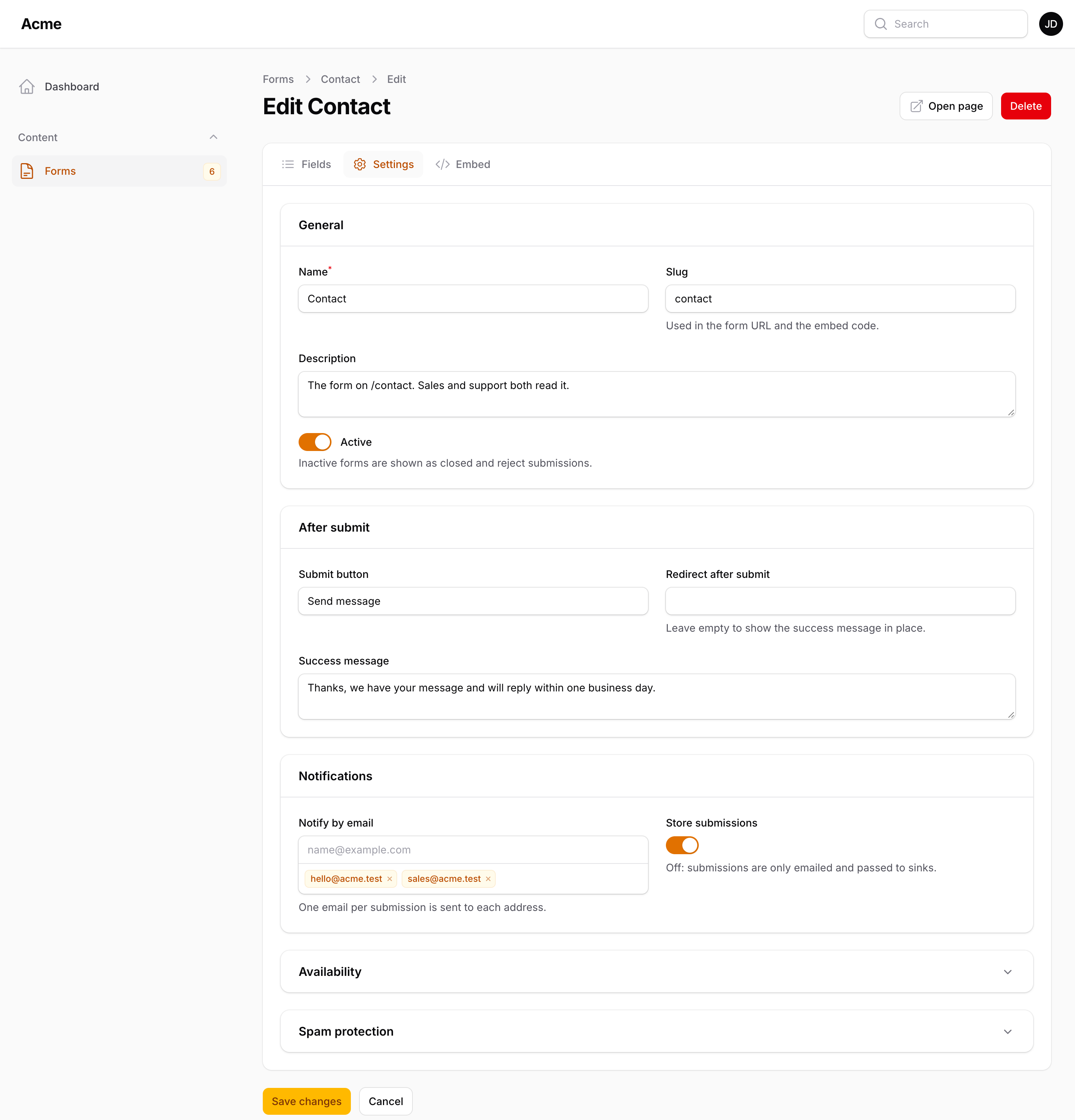
| Setting | What it does |
|---|---|
| Name, slug | The slug is the form's URL and embed name |
| Published | Off: the form renders as closed and rejects submissions |
| Store submissions | Off: submissions are only emailed, posted to the webhook and passed to sinks |
| Submit button | Label of the button |
| Success message | Shown after a submission, unless a redirect is set |
| Redirect after submit | A URL to send the visitor to |
| Opens at, closes at, closed message | Outside the window the form is closed, with that message |
| Visibility | Public, or private: reachable only through a share link |
| Password | Visitors type it before the form shows |
| Require a logged-in user | Rejects anonymous submissions |
| Prefill from the page URL | ?email=… fills the field with that key |
| One submission per person | By user when signed in, else by browser and IP address |
| Maximum submissions | The form closes when reached, with its own message |
| Keep submissions for | Days before form-builder:prune deletes them |
| Honeypot, minimum seconds, captcha | Per-form spam settings |
The Notifications tab holds the emails, panel notifications and webhook; the Design tab the display mode, steps, hosted page and styling.
Embed
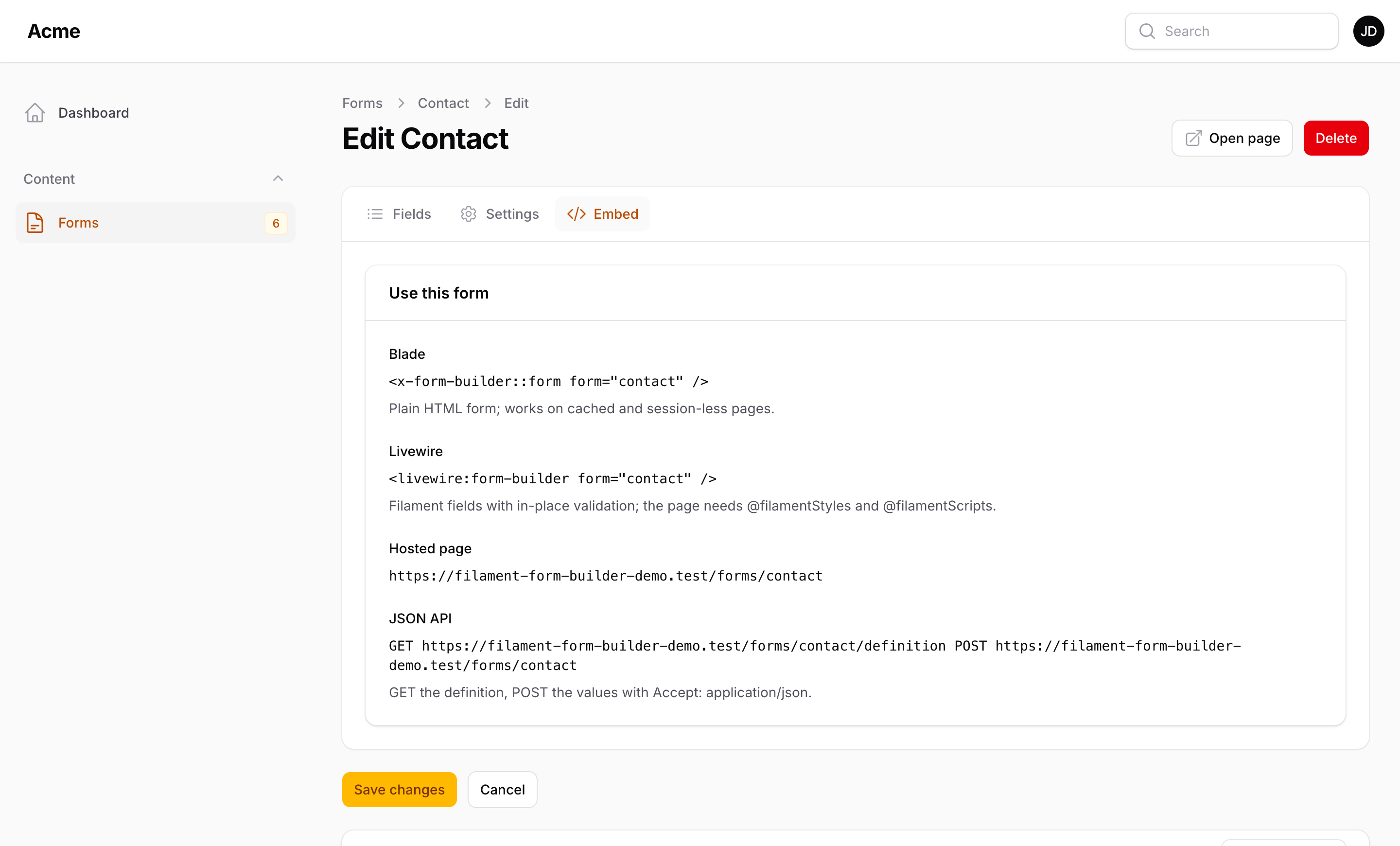
The Embed tab shows, for the form being edited, the Blade tag, the Livewire tag, the hosted page URL, an iframe snippet, a script snippet and the JSON endpoints, each copyable. See Rendering.
Duplicate, export, import
Duplicate copies a form (unpublished, with a free slug). Export JSON downloads the definition; Import JSON on the list creates a form from it, on another environment or another app. The same array renders straight from code: Form::fromArray([...]) gives an unsaved model both renderers accept, so a form can live in a config file or a package.